What is point cloud registration in construction?
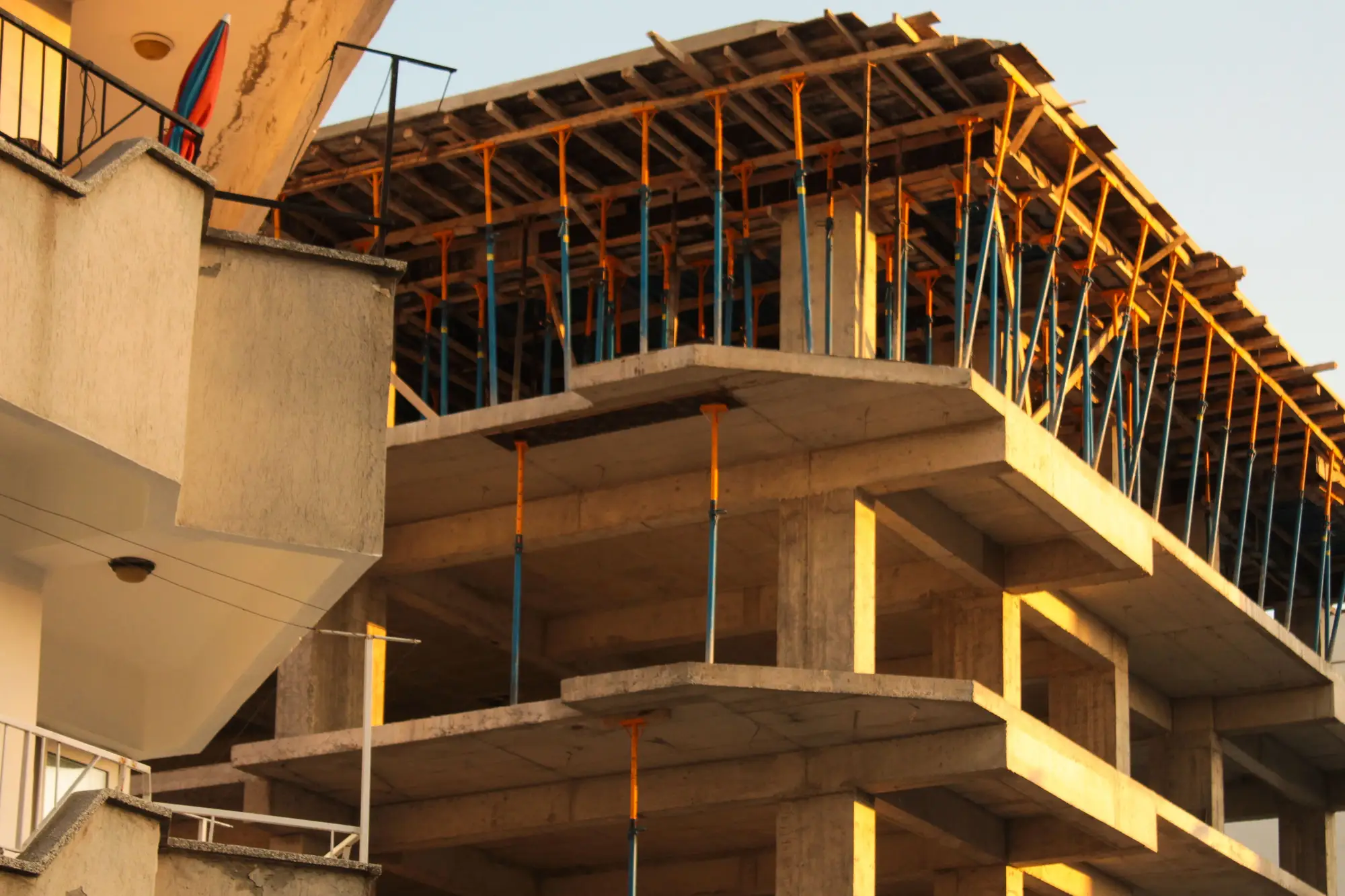
Point cloud registration is the step that happens before any as-built comparison means anything. You've got a scan of the site, millions of points pulled from a drone flight or a laser scanner, and you've got a design model sitting in its own coordinate system. Registration is the process of locking the two together so a point on a slab edge in your scan lands on that same slab edge in the model. Skip it, or get it wrong, and you're comparing two datasets that happen to share a project name and nothing else.
On a construction site, that alignment is what separates a deviation report you can trust from one that blames a wall for moving eight centimeters when the real problem was a scan rotated two degrees off true north.
Lining up a scan with the model
Most registration workflows do one of two things, or both. The first is target-based: you place physical control points or targets around the site before the capture, survey their coordinates, then match those same points in the point cloud. This gives you a hard anchor. If the targets are accurate, the registration is accurate.
The second is algorithmic, often some flavor of iterative closest point, or ICP. The software takes two overlapping surfaces, your new scan and either a prior scan or the model geometry, and nudges one against the other, minimizing the gap between corresponding surfaces until it settles. This works well when there's enough shared geometry between the two datasets, like a concrete floor or a roofline, but it struggles on sites that are mostly open dirt or that change too much between captures to have anything stable to lock onto.
In practice, a lot of construction scans use both: rough alignment from known control, then a fine pass that tightens the fit against stable elements already built.
Registering a point cloud to a BIM model specifically
Registering scan to scan is one problem. Registering a point cloud to a BIM model is a slightly different one, because the model carries its own project origin, its own grid, and usually its own convention for where level zero sits. A survey crew's coordinate system and a BIM author's internal origin don't always agree out of the box, and reconciling them is often the bottleneck, more than the point-matching math itself.
Once that's sorted, the registered cloud and the model geometry share one coordinate space. That's what lets a comparison tool measure the gap between an as-built column and its modeled position in real units instead of eyeballing an overlay.
Why this matters before you pour the next lift
Registration by itself doesn't catch anything. It's the setup that makes catching something possible. The value shows up downstream, when someone runs a surface-to-model comparison and a column, a duct run, or a foundation edge comes back flagged outside tolerance. If that flag shows up while the element is still exposed, it's a field fix. If it shows up at project close during the formal as-built survey, it's often a change order, or worse.
That's the gap As-Built Compare is built around. Drone capture at under 10 cm ground sample distance, flown monthly, gets registered against your design model and checked for elements that have drifted out of tolerance. It complements your final as-built survey by surfacing a deviation earlier, while rework is still cheap, rather than at project close when it's buried under finishes.
If you've been relying on the end-of-project survey to tell you what went wrong, a monthly as-built comparison built directly off your design model catches it a lot earlier.
Registration is plumbing. Most people on a project would rather not think about coordinate systems and ICP tolerances, and for most of the job they don't have to. But every deviation report, every color-coded overlay, every "this beam is 4 cm off" flag is downstream of someone getting that alignment right first. Know what's happening under the hood, and the numbers coming out the other end make a lot more sense.
As-Built Compare is currently running as an early-access pilot. If monthly deviation checks against your model sound like something your project needs, we'd like to hear from you.